> For the complete documentation index, see [llms.txt](https://taiphoon-com.gitbook.io/taiphoon.com-docs/llms.txt). Markdown versions of documentation pages are available by appending `.md` to page URLs; this page is available as [Markdown](https://taiphoon-com.gitbook.io/taiphoon.com-docs/ja/firmware/betaflight/first-setup/motors.md).
# モーターの設定
**Motors** ページでフレームと ESC プロトコルを確認し、モーターの位置と回転方向をテストします。Morakot の M1~M4 は PWM1 コネクターに、M5~M8 は PWM2 コネクターにあります。
{% hint style="danger" %}
テストの前に必ずプロペラを取り外してください。モーターテスト、順序の並べ替え、回転方向の設定には、いずれもバッテリーの接続が必要です。
{% endhint %}
## フレームの確認
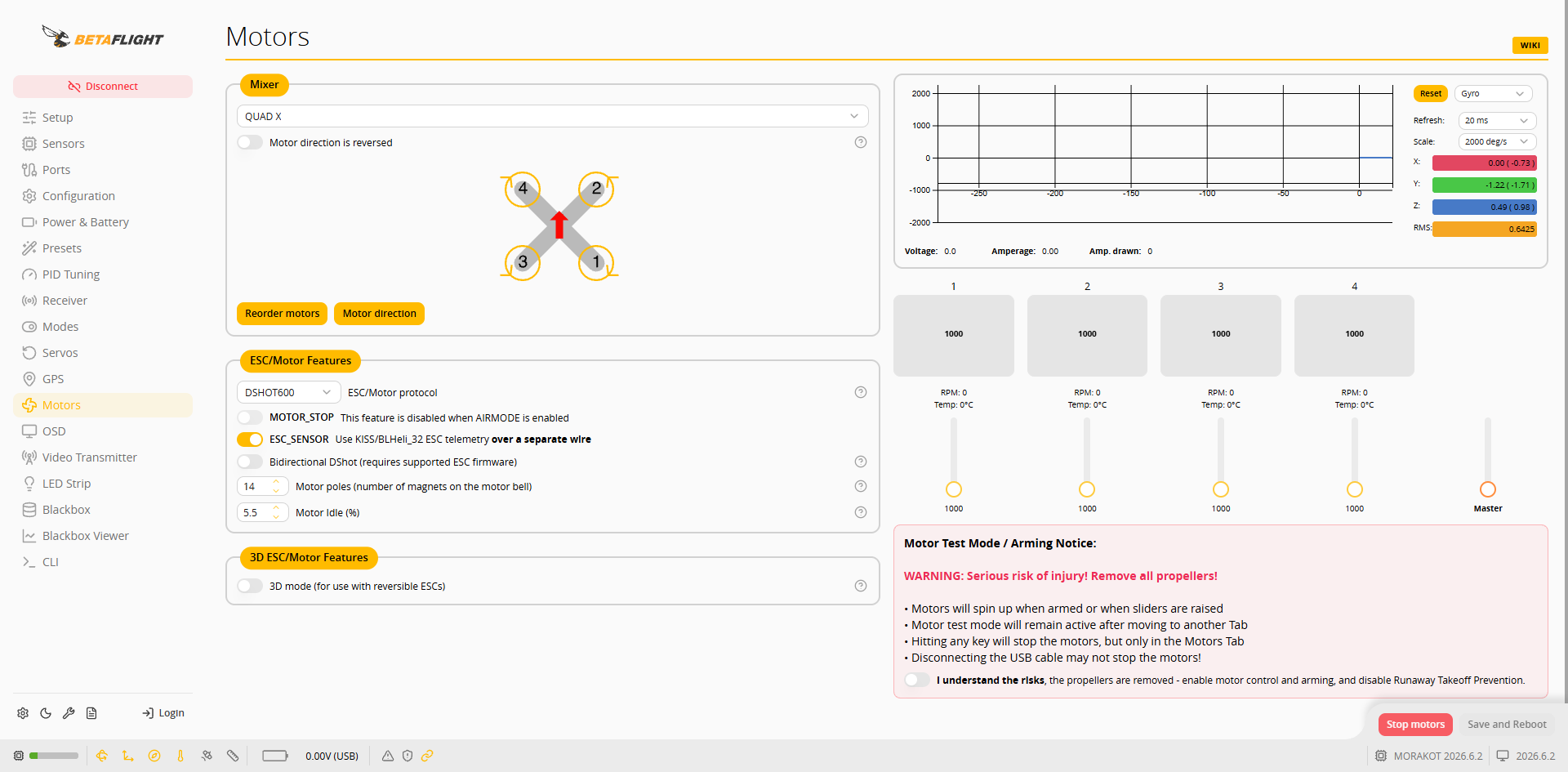
**Mixer** のデフォルトは **QUAD X** です。配置図は機体の上面図(機首が上)で、矢印は各モーターの回転方向を示します:
| モーター | 位置 | 回転方向 |
| ---- | -- | ---------- |
| 1 | 右後 | 時計回り(CW) |
| 2 | 右前 | 反時計回り(CCW) |
| 3 | 左後 | 反時計回り(CCW) |
| 4 | 左前 | 時計回り(CW) |
**Motor direction is reversed** を有効にすると、すべてのモーターの回転方向が逆になります。
 ## ESC プロトコルの選択
1. **ESC/Motor protocol** のデフォルトは **DSHOT600** です。本記事では **DSHOT300** を例にします。
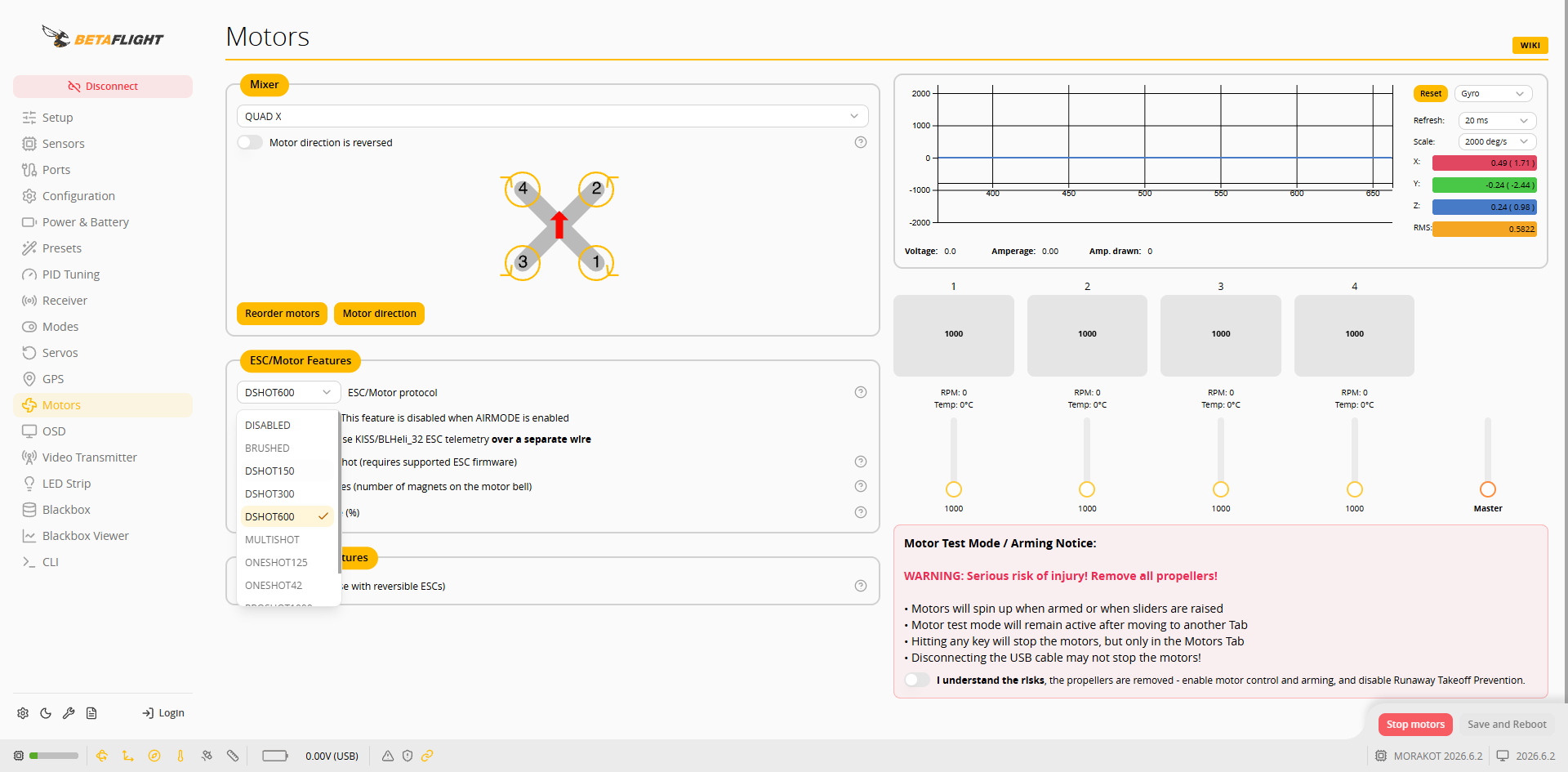 2. 選択後、**Save and Reboot** を押します。
 ### 双方向 DShot と ESC テレメトリー
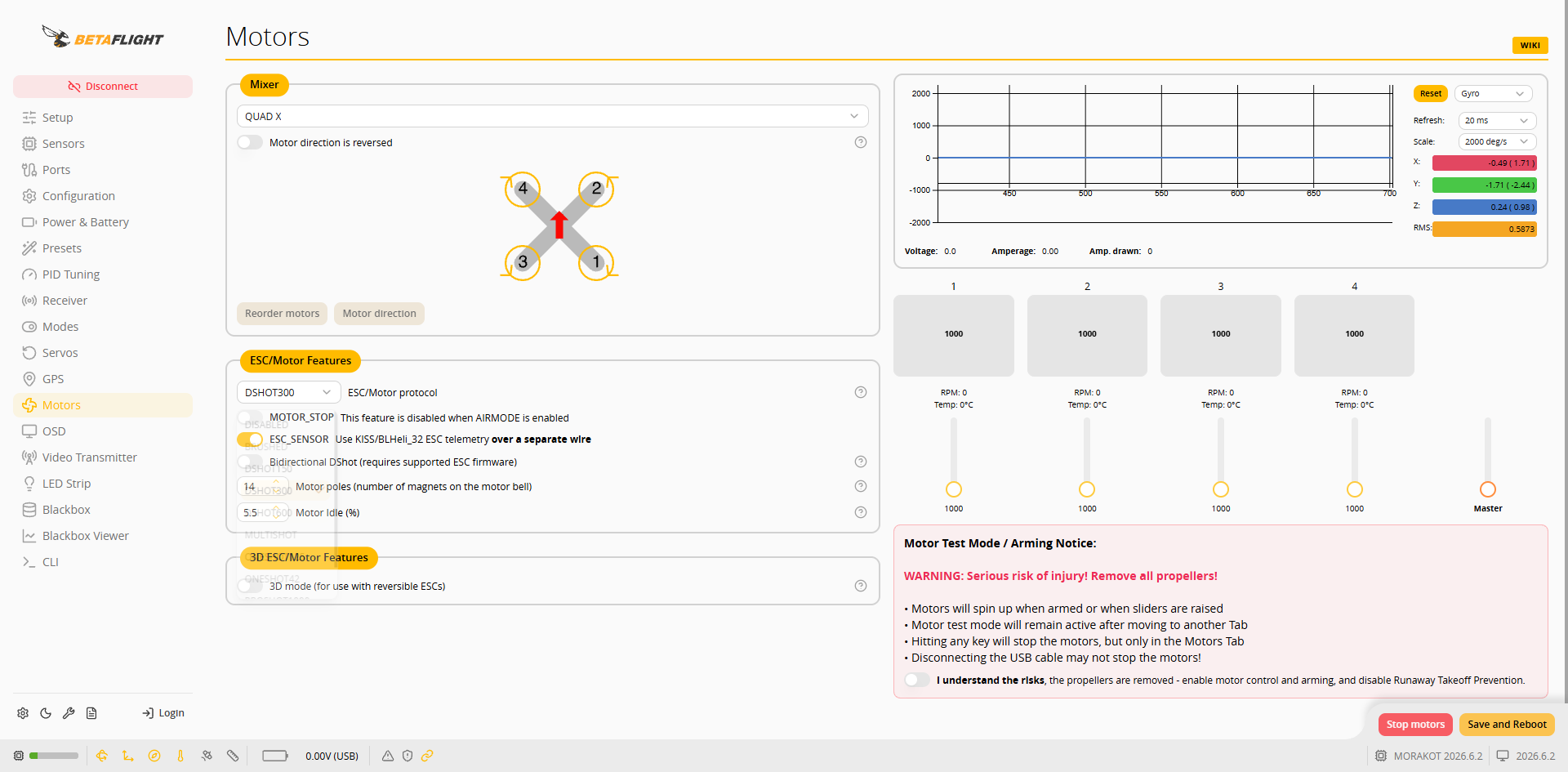
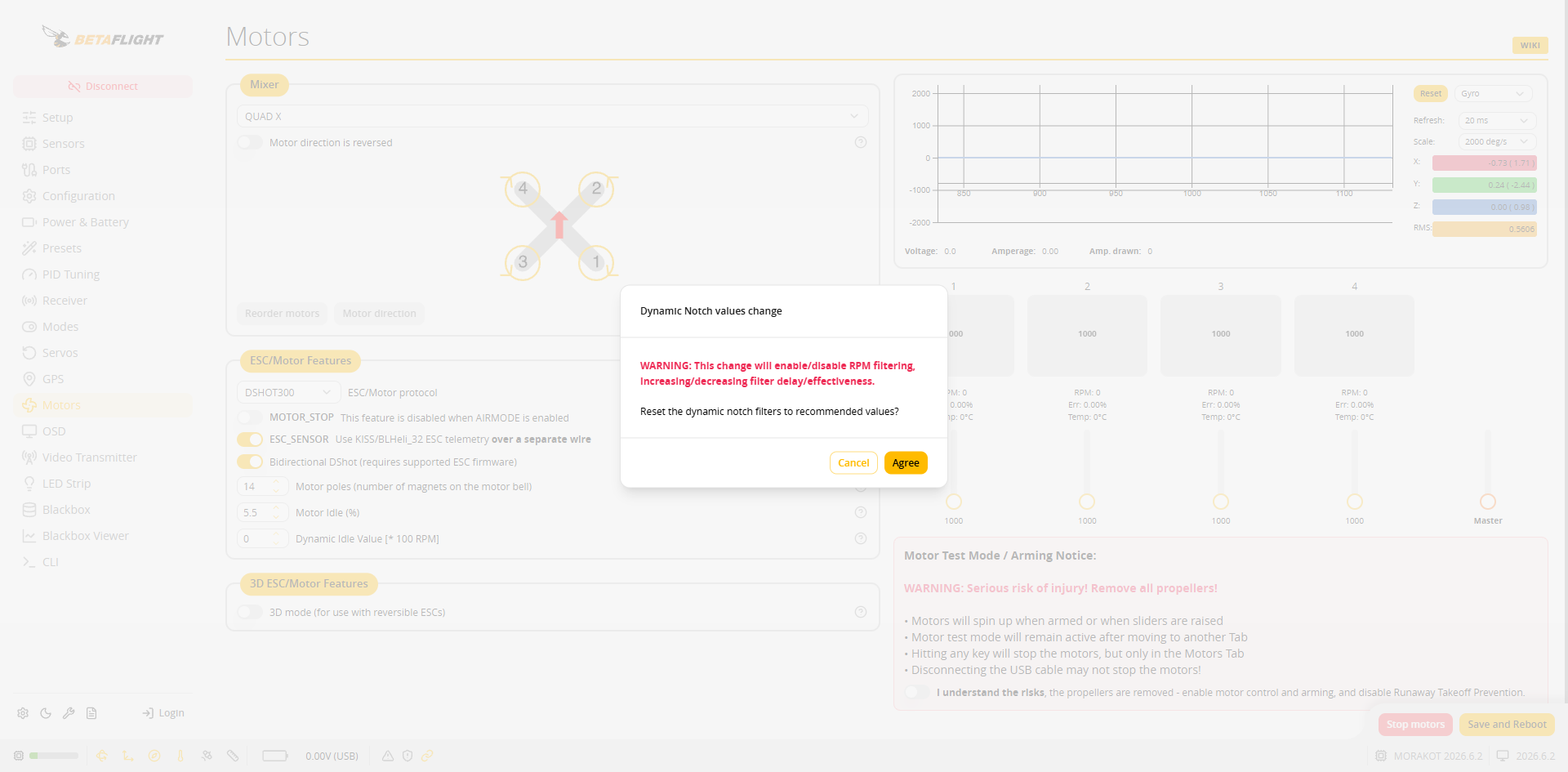
* **Bidirectional DShot** には ESC ファームウェアの対応が必要です。有効にすると **Dynamic Notch values change** が表示され、この変更によって RPM フィルターが有効になることが説明され、ダイナミックノッチフィルターを推奨値にリセットするかどうかを尋ねられます。**Agree** を押すと推奨値が適用され、**Cancel** を押すと現在の設定が維持されます。
 * 有効にすると **Dynamic Idle Value** が表示され、各モーターの下に **RPM**、**Err**、**Temp** が表示されます。**Motor poles** はモーターのマグネット数に合わせて設定します(デフォルト 14)。下の図では ESC が接続されていないため、`Err: 100.00%` と表示されています。
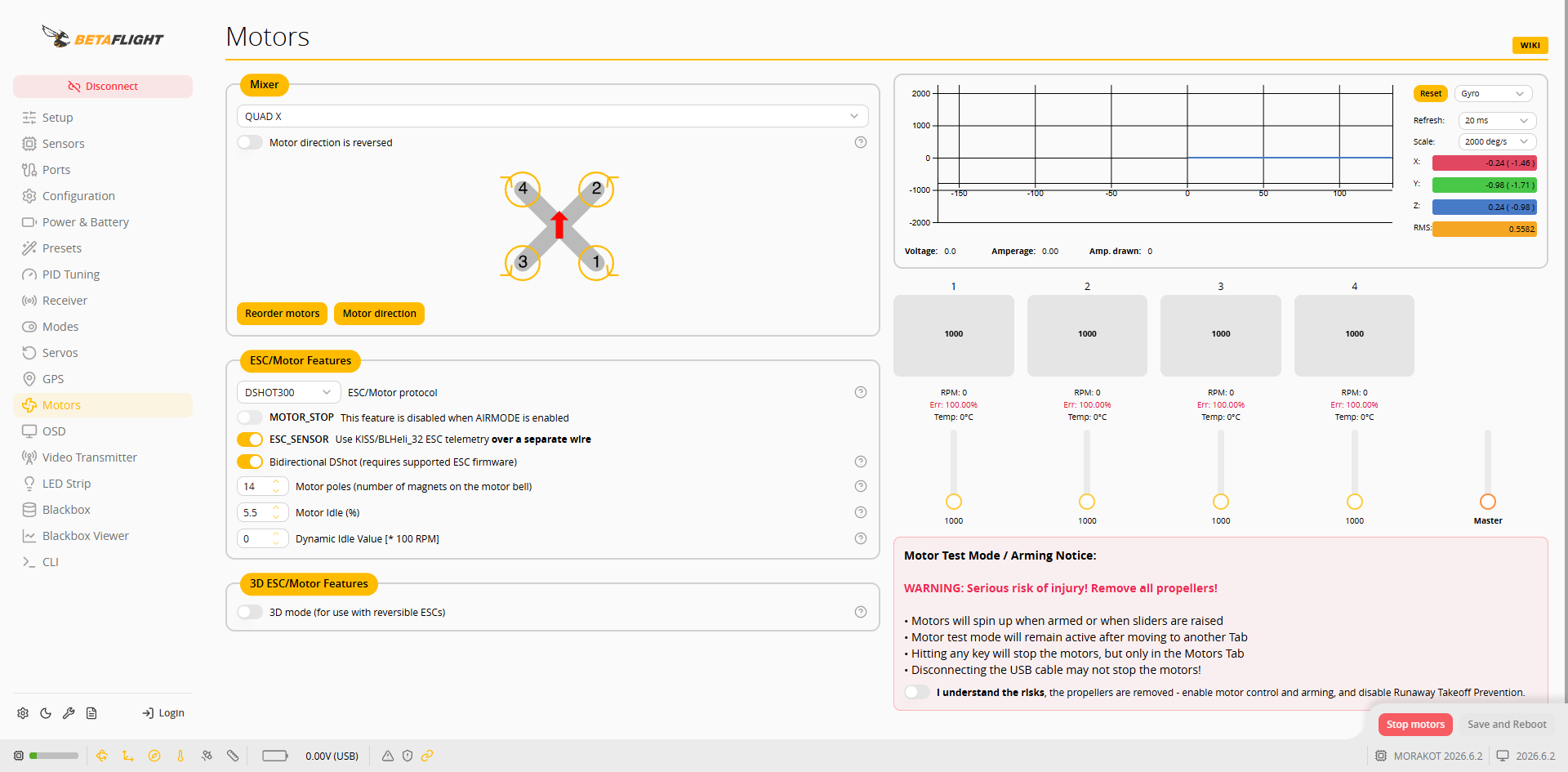 * **ESC\_SENSOR** はデフォルトで有効になっており、独立した信号線(UART6)経由で ESC テレメトリーを受信します。
変更後、**Save and Reboot** を押します。
## モーターのテスト
1. プロペラが取り外されていること、バッテリーが接続されていることを確認します。
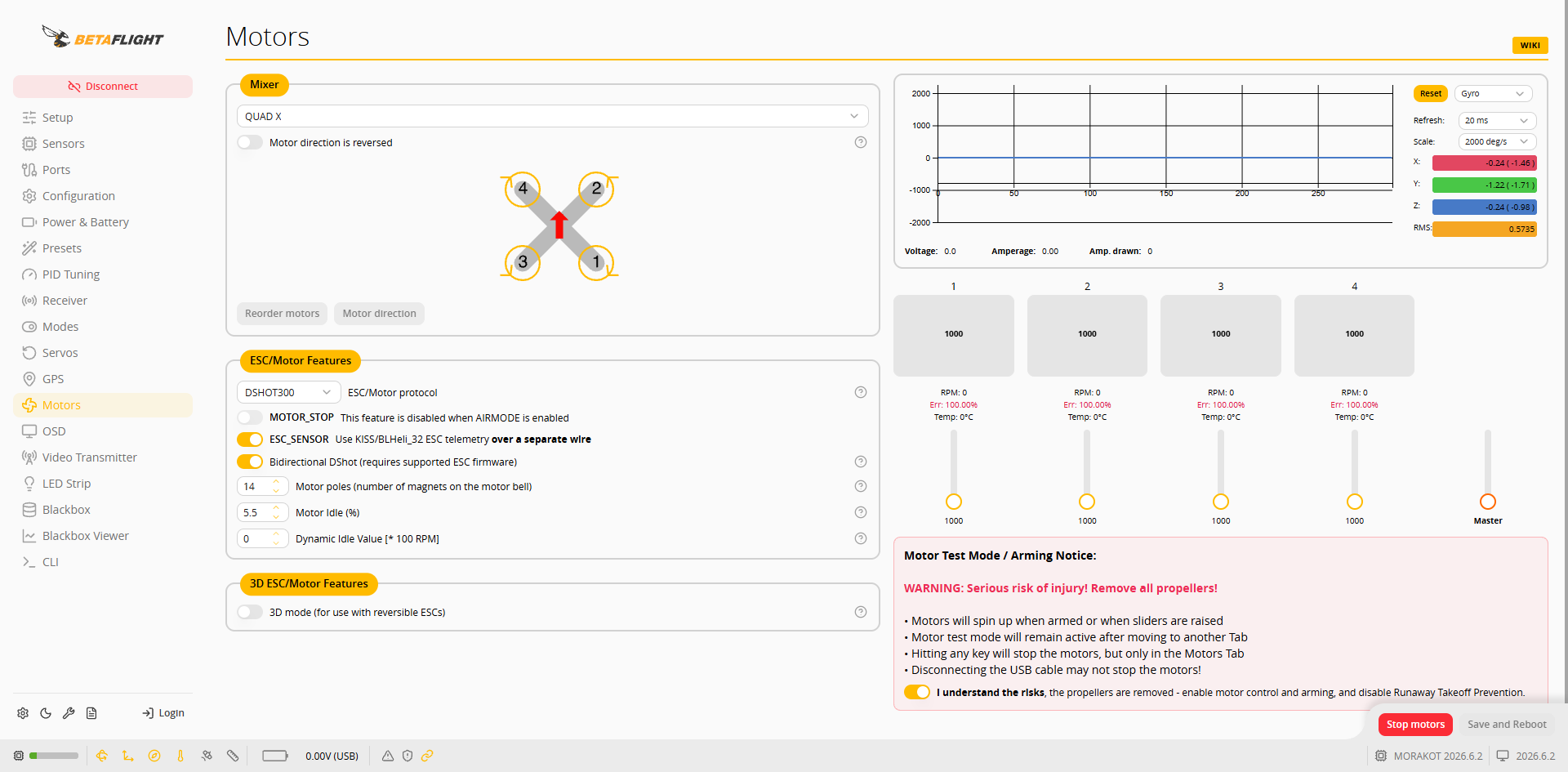
2. **I understand the risks, the propellers are removed - enable motor control and arming, and disable Runaway Takeoff Prevention.** にチェックを入れます。
 3. **1**~**4** のスライダーを 1 つずつ少し動かし、回転するモーターの位置と回転方向が配置図と一致していることを確認します。
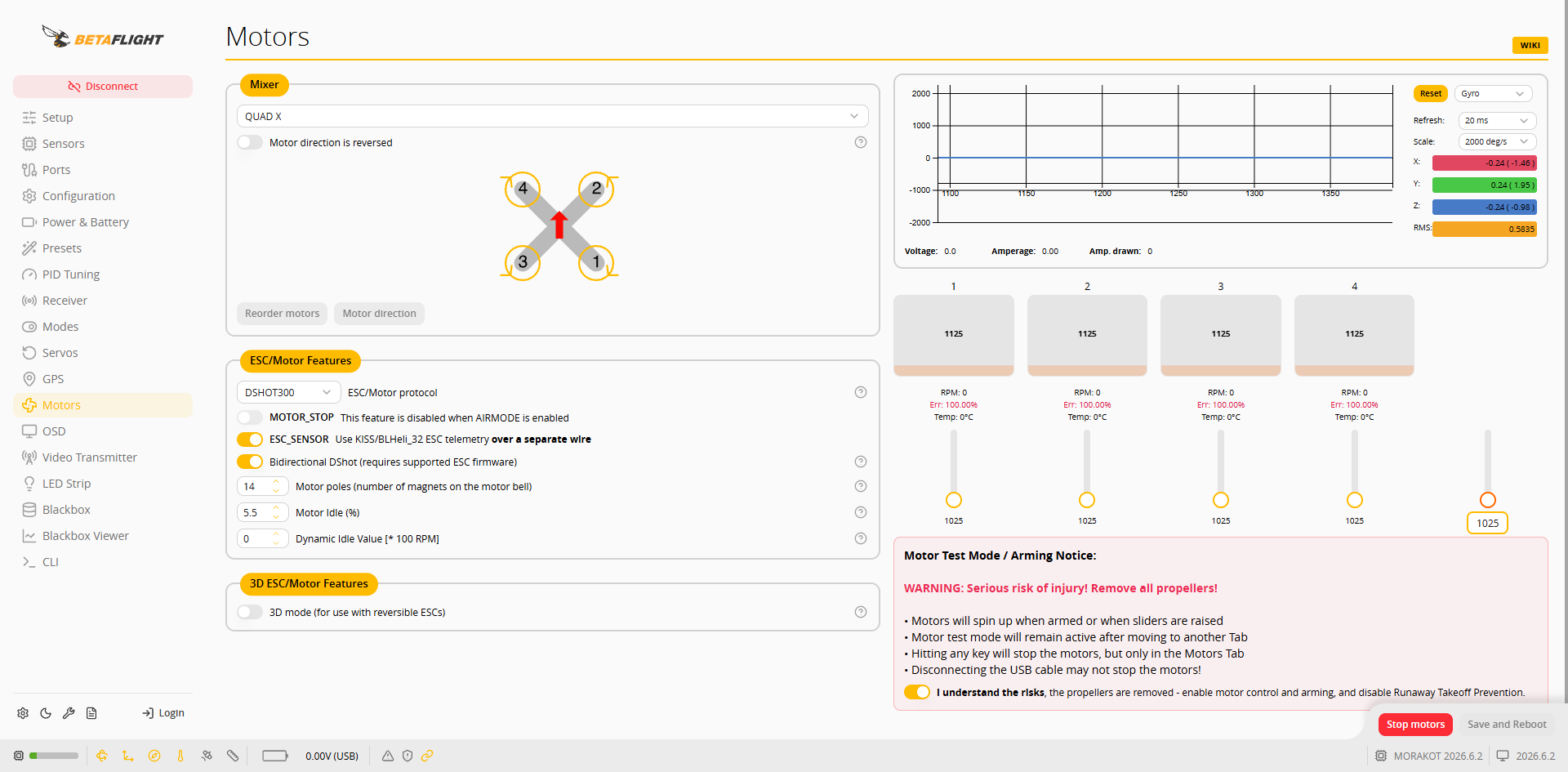 4. テストが終わったら、スライダーを最低位置まで戻すか、**Stop motors** を押します。
{% hint style="warning" %}
* Motors ページから移動しても、モーターテストモードは有効なままです。
* Motors ページで任意のキーを押すとモーターが停止します。USB を抜いてもモーターが停止するとは限りません。
{% endhint %}
## モーターの順序が誤っている場合
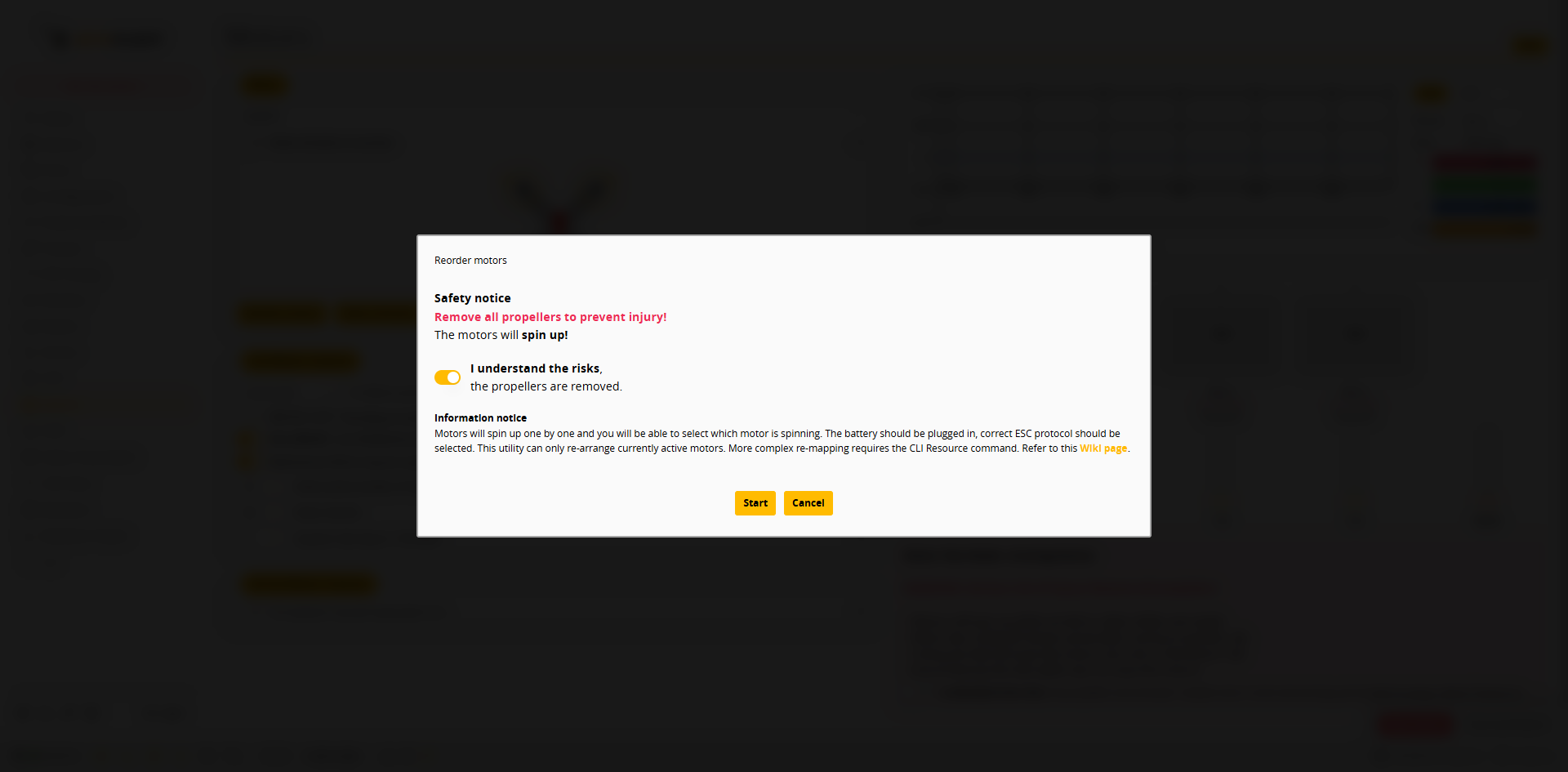
1. **Reorder motors** を押し、**I understand the risks, the propellers are removed.** を有効にしてから **Start** を押します。
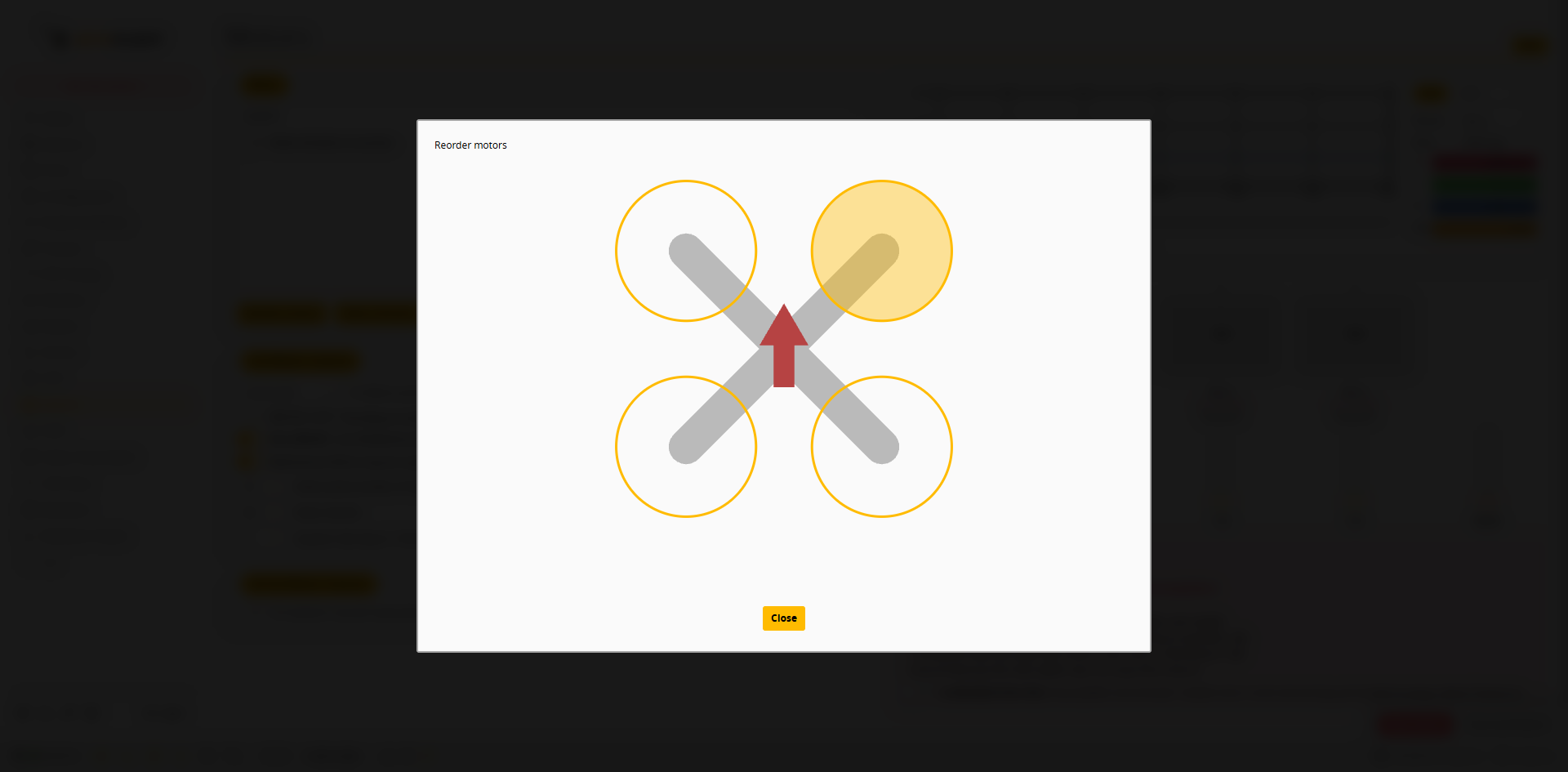
 2. モーターが 1 つずつ回転します。配置図上で、現在回転しているモーターの位置をクリックします(黄色は現在のモーター、緑色は完了済み)。
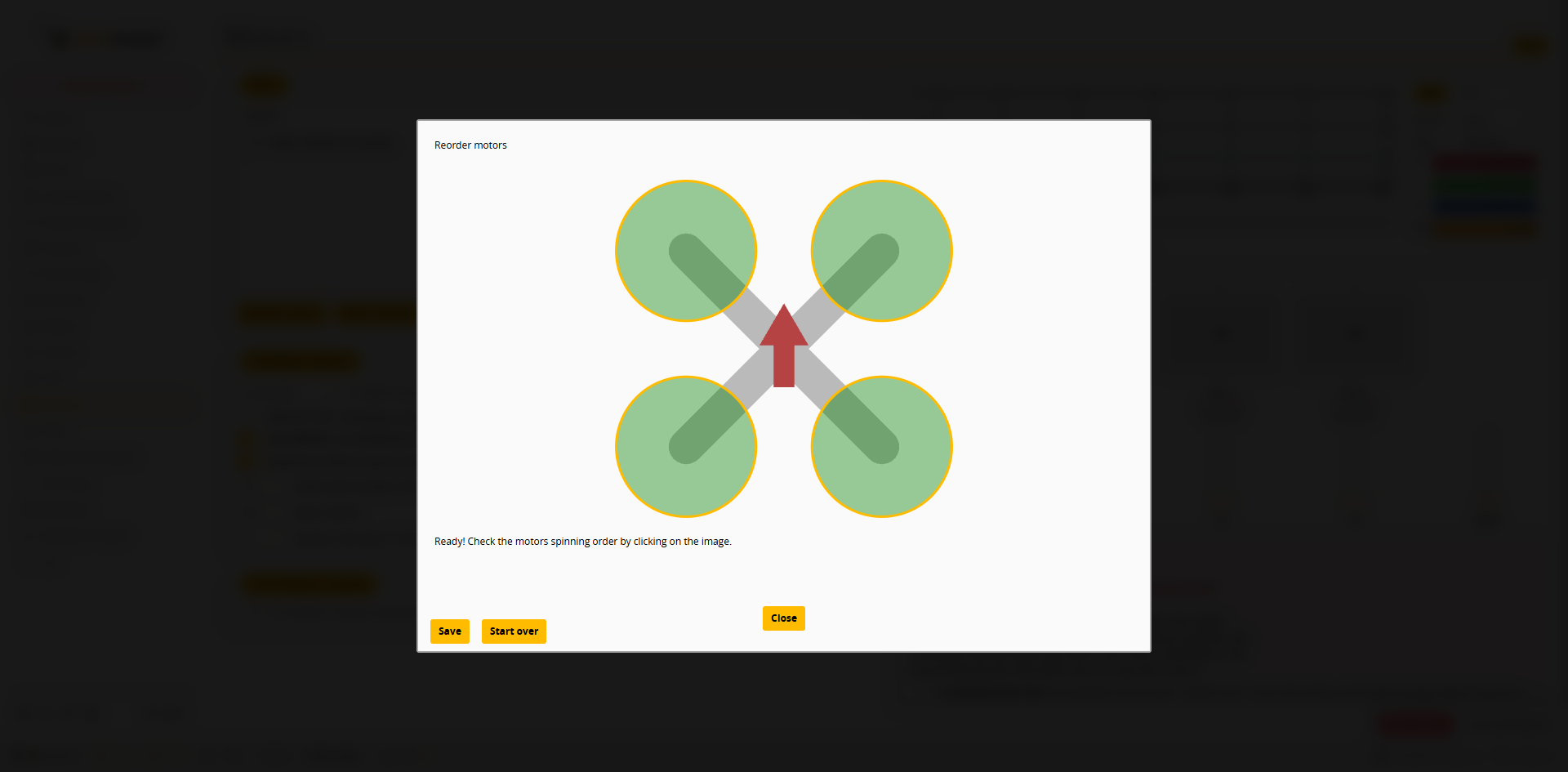
 3. すべて完了すると `Ready! Check the motors spinning order by clicking on the image.` と表示されます。配置図をクリックして順序を確認してから、**Save** を押します。
 ## モーターの回転方向が誤っている場合
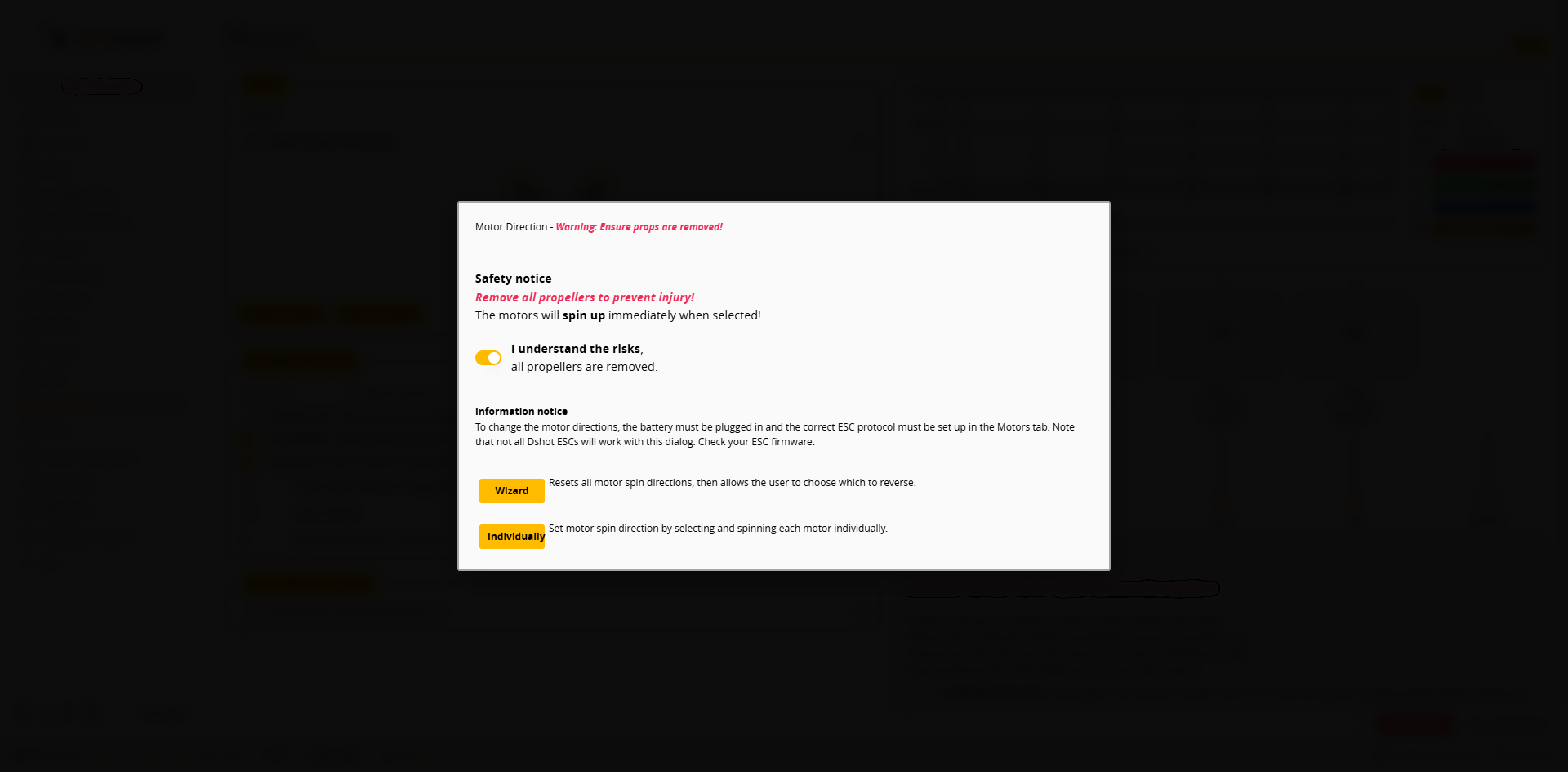
DShot を使用する場合は、AM32 Configurator を使わずに Betaflight App で直接回転方向を設定できます。すべての DShot ESC がこの機能に対応しているわけではなく、ESC ファームウェアによって異なります。
1. **Motor direction** を押し、**I understand the risks, all propellers are removed.** を有効にします。
 2. 設定方法を選択します:
* **Wizard**:まずすべてのモーターの回転方向をリセットしてから、反転するモーターを選択します。
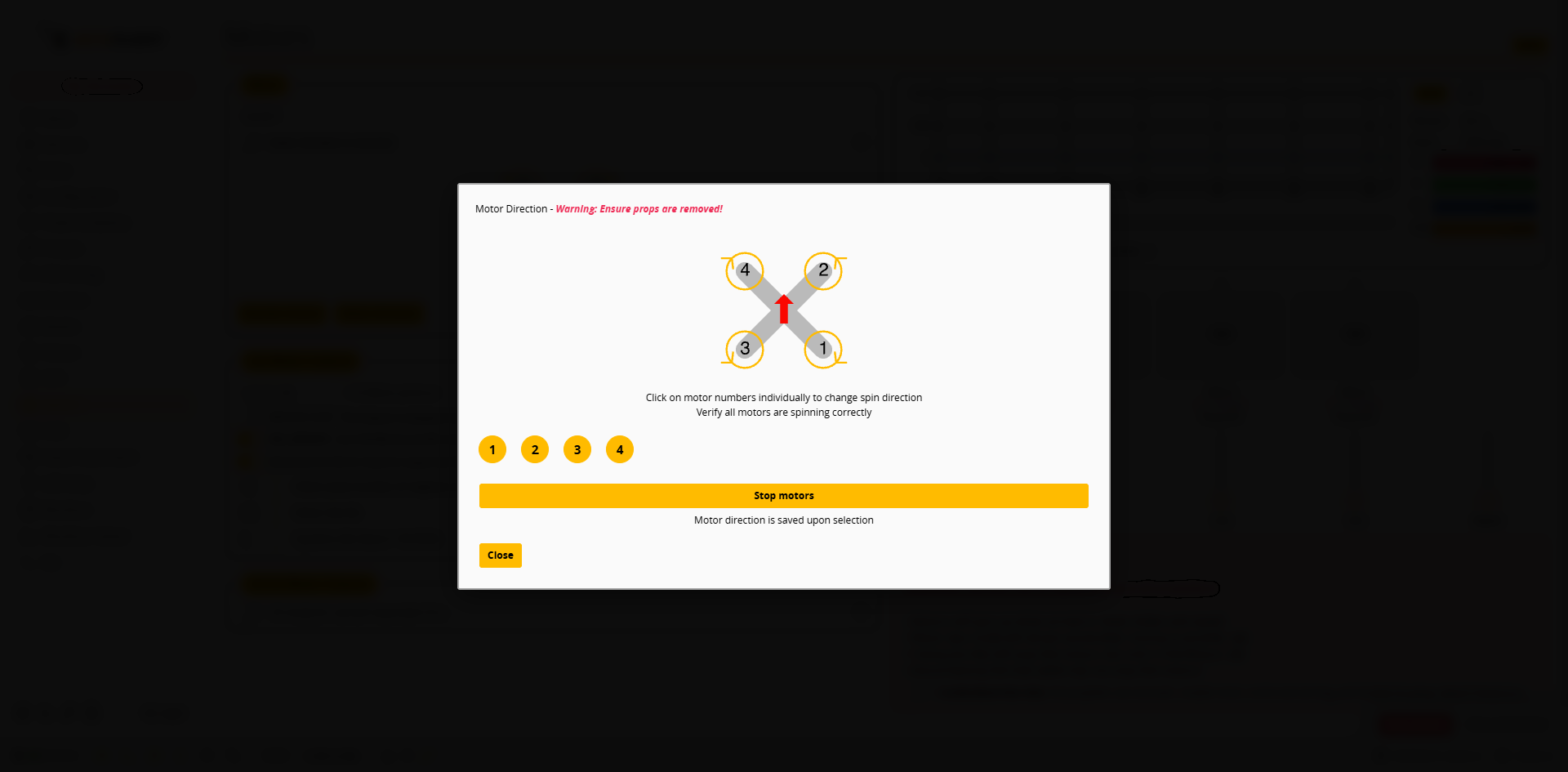
* **Individually**:モーターを 1 つずつ選択して回転させ、回転方向を設定します。
3. **Individually** の例:**Start / spin motors** を押し、モーター番号(**1**~**4**)をクリックしてそのモーターの回転方向を切り替え、すべてのモーターの回転方向が正しいことを確認します。選択するとすぐに保存されます(`Motor direction is saved upon selection`)。完了したら **Stop motors** を押し、次に **Close** を押します。